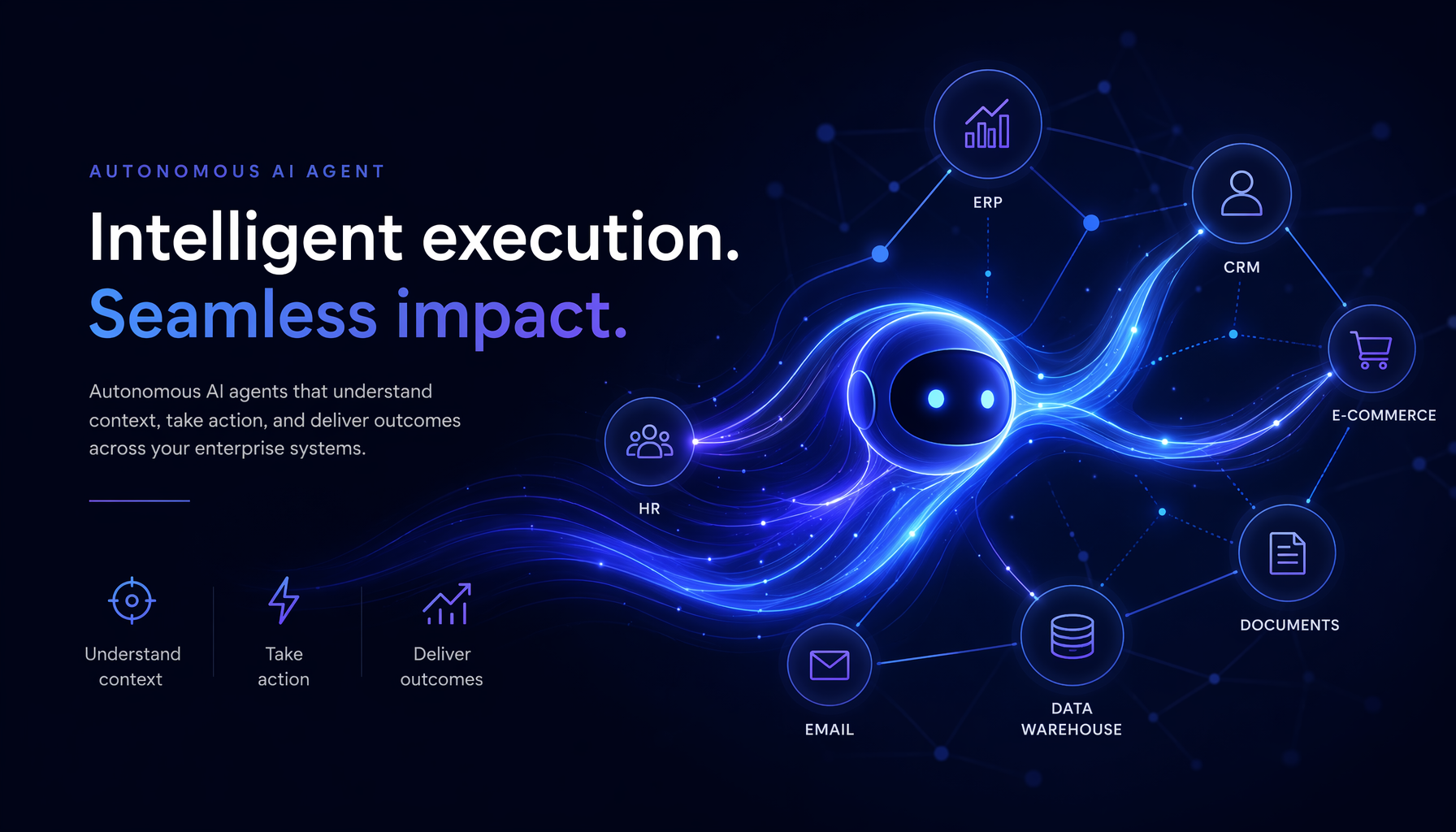
Microsoft has just announced Scout, an autonomous AI agent integrated directly into Microsoft 365. Concretely, Scout can manage your emails, schedule meetings in Teams and organise your OneDrive files without manual intervention. For an SMB, it’s a promise of immediate productivity — provided you understand how it works.
Scout, what exactly is it?
Announced at Microsoft Build 2026, Scout is an “always-on” AI agent: it works continuously in the background, connected to your Microsoft 365 apps. It integrates natively with Teams, Outlook, OneDrive and other tools in your Microsoft environment.
Unlike Copilot, which answers your ad hoc questions, Scout takes initiative. It can summarise unread messages from a Teams project, prepare a draft reply to an email or sort your files according to their content — without you having to prompt it.
The agent always operates in accordance with the security policies and access rights defined in your Microsoft tenant, which is a crucial point for RGPD compliance.
What Scout can concretely do for your teams
For an SMB of 30 to 150 employees, the use cases are immediately tangible:
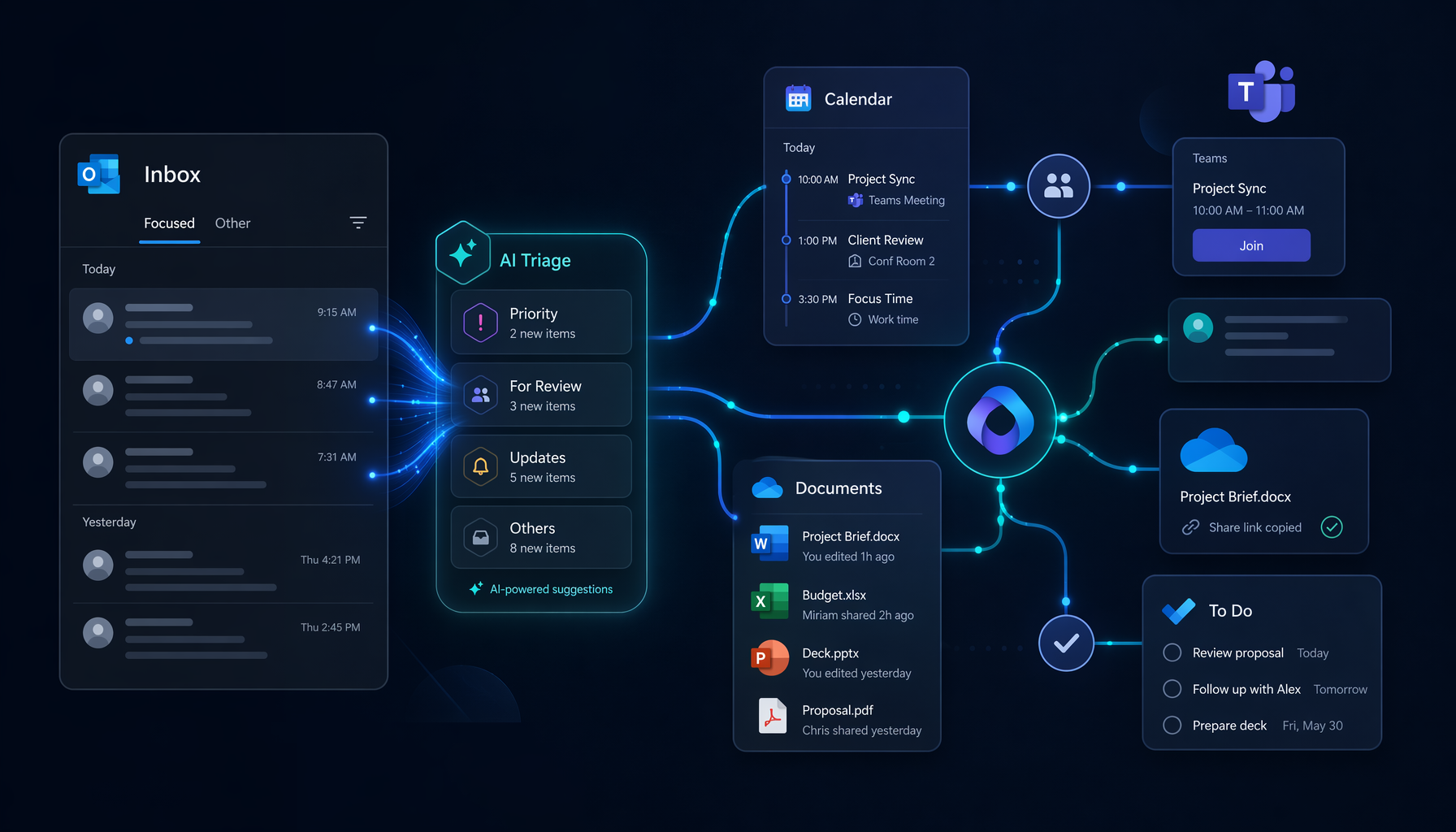
- Email management: Scout prioritises, files and suggests replies in Outlook, taking into account the context of your organisation.
- Project coordination: it tracks open actions in Teams, reminds of deadlines and keeps participants informed without manual intervention.
- Document organisation: in OneDrive and SharePoint, it tags, classifies and retrieves files based on their actual content, not just their name.
The stated goal: free up administrative time so your employees can focus on tasks with real added value.
Security and governance: what to check before deploying
Any autonomous agent raises legitimate questions. Before deploying Scout, your IT administrator should verify that:
- DLP policies (data loss prevention) are active in Microsoft Purview;
- Access rights for each employee in M365 are compartmentalised and up to date;
- Data processing remains within Microsoft’s EU Data Boundary, available for European customers.
Microsoft states that Scout runs in an isolated execution container, which limits the risk of spillover between the agent’s actions and the company’s sensitive data.
What this means for your SMB
- Immediate time savings: repetitive tasks — sorting emails, minutes, reminders — can be delegated to Scout as soon as it is activated, without bespoke development.
- Gradual rollout: Scout can be enabled per user or group; you can start with a pilot team of 5 to 10 people before a full deployment.
- Built-in RGPD compliance: Scout respects the policies of your existing Microsoft tenant — no need to create a new governance infrastructure.
Want to discuss this? Get in touch with our Axentys experts.