
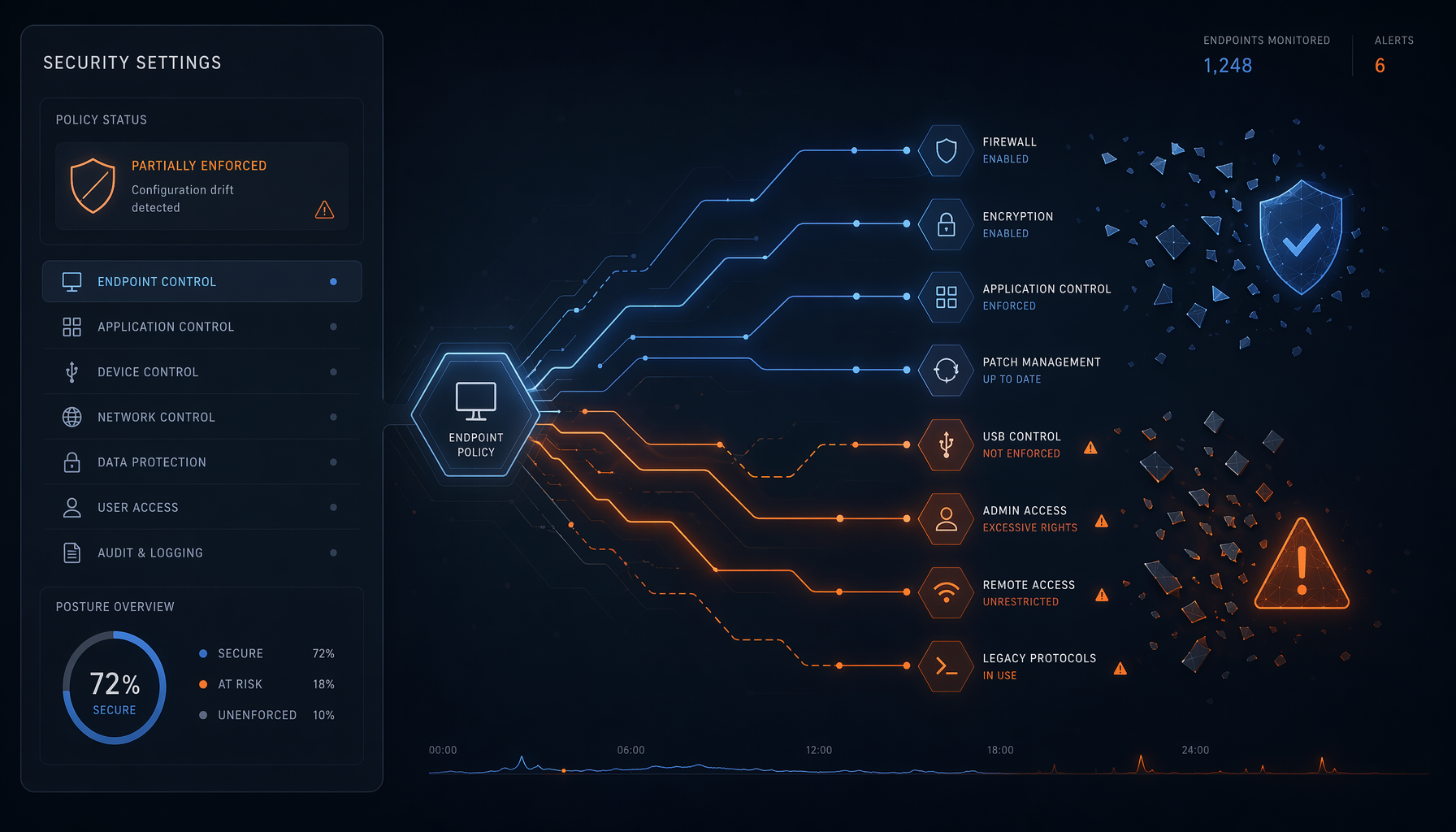
You deployed Microsoft Defender a few months — or even years — ago and you think your IT estate is protected. But a reality often overlooked is clear: security configurations gradually degrade, without anyone noticing. This phenomenon, called configuration drift, silently exposes your workstations to real cyber threats.
What is configuration drift?
When Microsoft Defender is deployed via Microsoft Intune or a Group Policy Object (GPO), settings are defined once and for all. But over time, Windows updates, software installations or manual interventions can change those settings, sometimes without anyone’s knowledge.
An exclusion added to resolve a false positive, a protection rule disabled to run a business application… and your configuration starts to diverge from the initial state. Six months later, Defender still runs, but with invisible gaps — and potentially exploitable by any attacker.
Why SMBs are particularly exposed
In a large company, dedicated teams continuously monitor security dashboards. In an SMB of 20 to 150 people, it’s often a single person — or an external provider — who manages IT part-time. Configuration drift then goes unnoticed, sometimes for months.
Concrete result: desktops, laptops or servers that appear protected but have very real weaknesses. Cybercriminals have automated tools to precisely detect these weakened configurations — long before you notice them yourself.
The native tools to detect and remediate drift
The good news: if you have a Microsoft 365 Business Premium subscription, you already have access to detection and remediation mechanisms at no extra cost.
Microsoft Intune lets you define compliance policies that continuously check whether your devices conform to the desired configuration. A non-compliant device can be automatically isolated from the corporate network until the issue is resolved.
Microsoft Defender for Endpoint, included in Business Premium, provides a security score per device and concrete recommendations to correct deviations. The Intune compliance reports show with one click which devices exhibit drift — and for how long.
What this means for your SMB
- Audit your Defender configuration now: sign in to your Intune portal and check the device compliance report. The absence of this report is already a clear warning sign.
- Enable automatic compliance policies: rather than monitoring manually, let Intune block non-compliant devices until corrected. This is included in Microsoft 365 Business Premium at no additional cost.
- Schedule a quarterly review of your security policies: remote working, a new employee, a new business application — every change can create drift. Regular checks prevent unpleasant surprises.
Security is not a fixed state; it is a continuous process. Microsoft Defender is a powerful tool — provided it is correctly configured and maintained over time. Want to discuss this? Get in touch with our Axentys experts.